In December 2024 the RaspberryPi 500 was announced with great fanfare in the maker world. Following on from the RaspberryPi 400 series, the 500 model moved the keyboard based 80’s style desktop computer to the new faster CPU and RP1 I/O chip technology that came with the RaspberryPi 5 model.
This was hailed as a big step forward in performance for the 500 series however, for me it was disappointing. The problem with the 500 is that it didn’t come with an M.2 NVME SSD connector and was based around the much slower SD card storage solution.
All of my Pi5 models have been upgraded with the Pimoroni SSD Baseboard and a 250GB M.2 NVME SSD drive making a huge improvement in performance for the little single board computer (SBC).
Along comes the Raspberry Pi 500 and once again it’s hobbled by the fact that it has no SSD support on the motherboard. What was ridiculous was that all the pads and tracks were on the circuit board but, not populated. This annoyed many in the RaspberryPi community, myself included as the new faster machine was once again held back by slow SD card I/O.
What made it even worse was the fact that the 500 didn’t have the facility to add an M.2 NVME SSD via the PCIe interface like on the Pi5, making it even more disappointing.
Needless to say I, along with many others didn’t put my hand in my pocket to purchase a 500 as it would be a huge step backwards from my Pi5’s.
Step forward to September 2025 and RaspberryPi announce the new RaspberryPi 500+, the computer we all hoped for 12 months earlier.
I ordered my 500+ from Pimoroni the moment the email saying it was available with its new high spec dropped into my inbox. Being one of the first to splash the cash I got a 20% discount off the price too, which made the purchase even easier.
A few days later the 500+ landed on my doorstep and I hastily unpacked it.
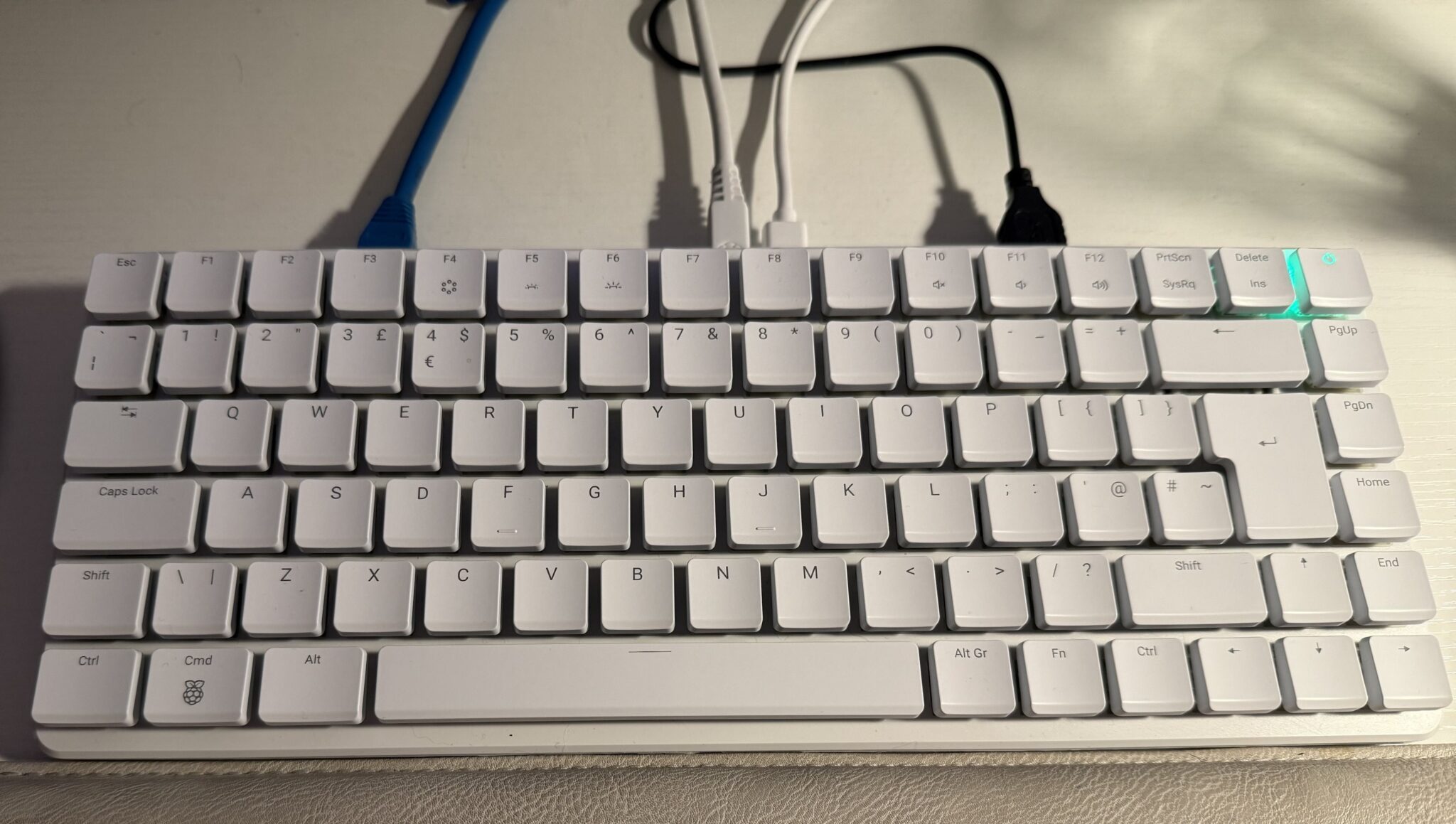
The 500+ comes with 16GB of RAM and a 256GB M.2 NVME SSD drive from the factory, exactly what we all wanted from the original 500. To everyone’s surprise the 500+ also comes with a new Clicky Gateron Blue KS-33 mechanical keyboard. This isn’t something I was expecting but, it was a nice surprise!
Connecting the 500+ to my mouse, ethernet cable, 4K monitor and official PSU it burst into life. The SSD comes preloaded with RaspberryPi OS and boots first time, no messing with loading ISO images to SD cards here!
The first thing I noticed was that the 500+ feels snappier than my Pi5, even though they both have the same SSD drive. Apps start just that bit quicker on the 500+ and copying files around feels quicker too.
Could this be because the SSD is now directly on the motherboard rather than at the end of a ribbon cable like on the Pi5?
The new keyboard is very different to use compared to the old 400/500 and the official RaspberryPi keyboard for the Pi SBC’s. It’s very clicky and slightly wider with more space between the keys. Initially this is annoying as it creates typo hell but, after some time your muscle memory adjusts and your typing gets back to it’s normal typo free experience.
The new keyboard is a nice improvement over the original 500 and makes the hiked price of £178.00 (with 20% discount) worth paying. The new keyboard is also backlit and can be adjusted to a range of colours and effects. I settled on having the keys light up in red once pressed as this is much easier on the eyes.
Since I’d been using a Pi5 with SSD as my desktop PC in the home office for over a year now I wanted to move my custom KDE-Plasma setup over to my new 500+ in place of the rather sparse RaspberryPi OS desktop that comes as standard on the 500+ SSD.
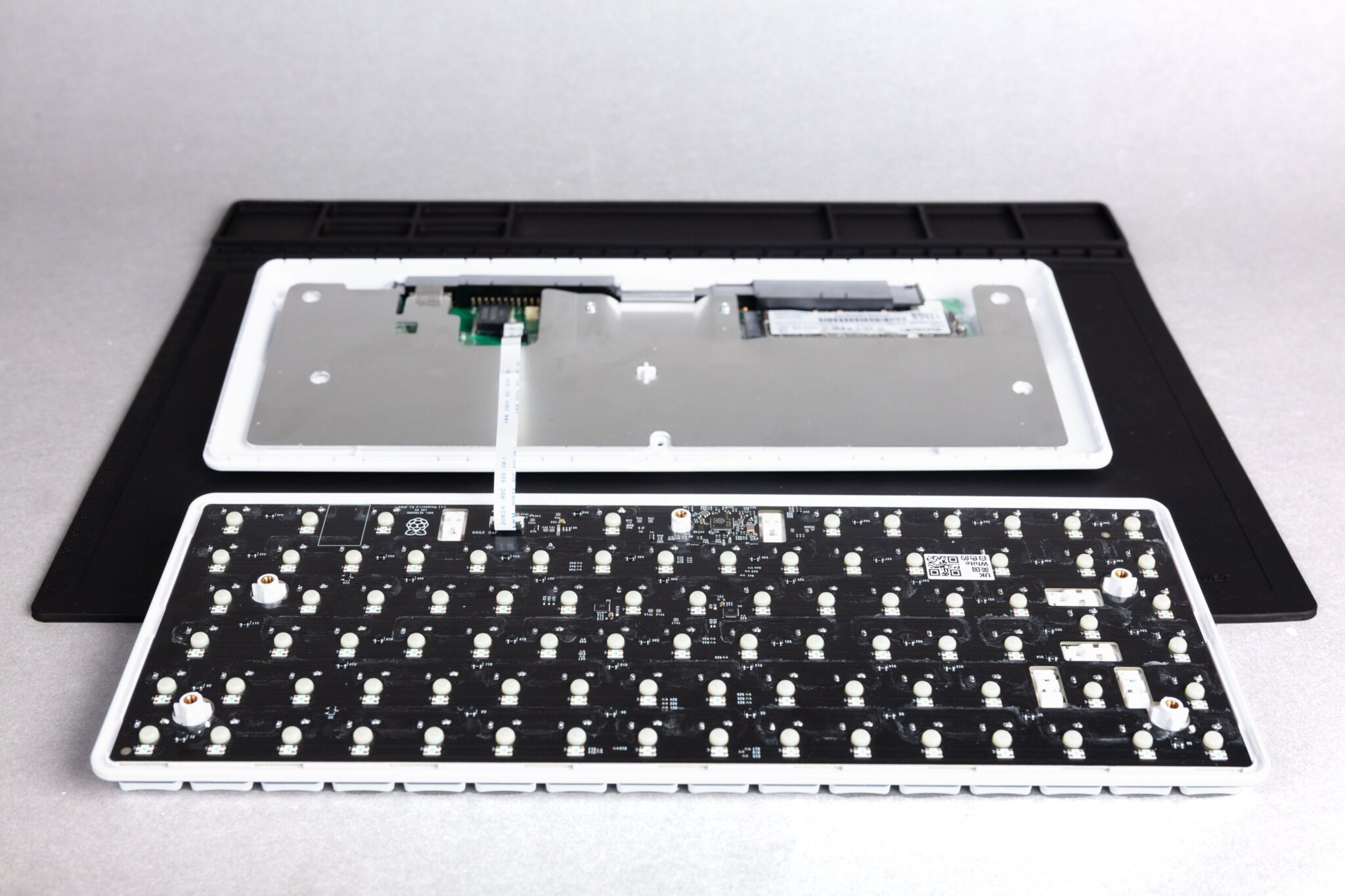
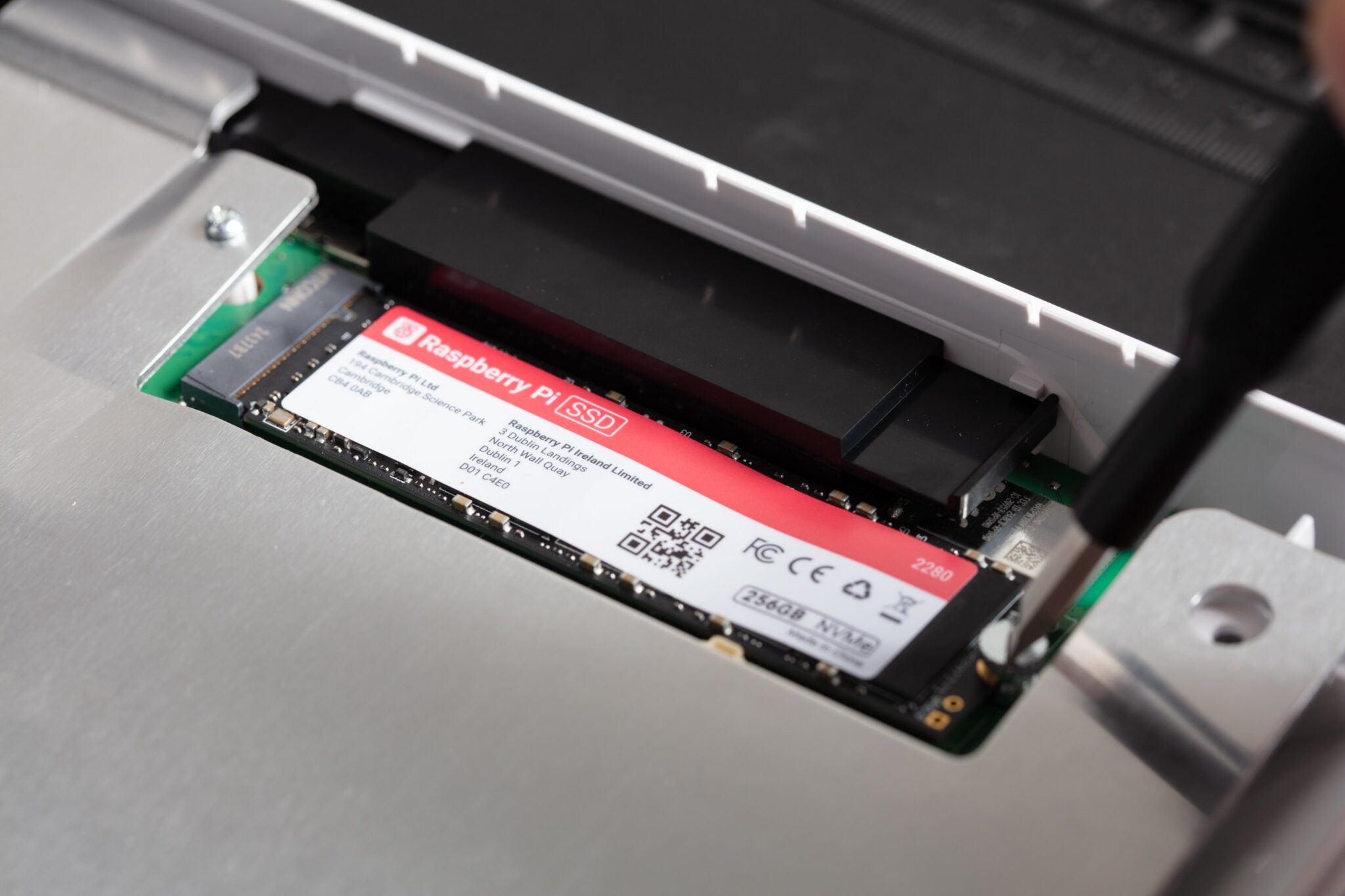
Opening the 500+ is relatively easy using the supplied spudger to tease the keyboard top and bottom apart once the screws have been removed.
Upon splitting the top and bottom sections you immediately become aware of the rather fragile looking ribbon cable that connects the keyboard to the motherboard. Access to the SSD drive is very good and it only took a minute to swap the drives over.
Gently clicking the keyboard back to the bottom half of the case and inserting all the screws I reconnected the computer to all my peripherals and switched it on.
In no time at all my favourite KDE-Plasma desktop and all my files and apps were at my fingertips just as they had been for the last year on my Pi5. An easy transition to the new 500+ now means I have a spare Pi5 and 250GB SSD for another project.
I must say that it would had been much nicer if there was a little removable panel on the bottom of the 500+ providing access to the SSD. This would had made it so much simpler to change the SSD drive without having to find the necessary tools to take the unit apart. Maybe an improvement for the 600+ next year!
The other thing I’ve noticed is that the 500+ runs considerably cooler than the Pi5 with the official cooler. My Pi5 would often reach 50 deg C however, the 500+ rarely gets above 30 deg C.
Overall I’m really pleased with my new RaspberryPi 500+, it’s the RaspberryPi I’ve been wanting in my home office for some time and finally it’s arrived.
Was it worth waiting for? Absolutely!
It’s everything the 500 should had been at the outset.
More soon…


