I’m a big fan of the RaspberryPi single board computers (SBCs) and have been using them since the very first model was released. (I still have the first model even now!)
Over the years I have used RaspberryPi computers for all sorts of things. These days I use them for running services on the local LANs here at home along with a number of virtual machines providing services both locally and publicly on the internet. (Yes, you can run virtual machines (VMs) on RaspberryPi computers)
I currently have 4 x RaspberryPi 5 SBCs running 24/7 and have had them stored in a simple rack that I designed when I first got into 3D printing. The rack worked ok but, it was difficult to get access to the Pi’s without removing those around the one I wanted to access. This is a real nuisance when you have services running on them all.
I’ve now had my 3D printer for a while and decided it was time to design a better solution. Before I set about diving into the CAD software I decided to have a look on Makerworld to see if anyone else had already come up with something more suitable.
Trawling through the many offerings from hundreds of 3D designers on the Makerworld website, I found a very nice RaspberryPi Modular Racking System that looked ideal for the job.
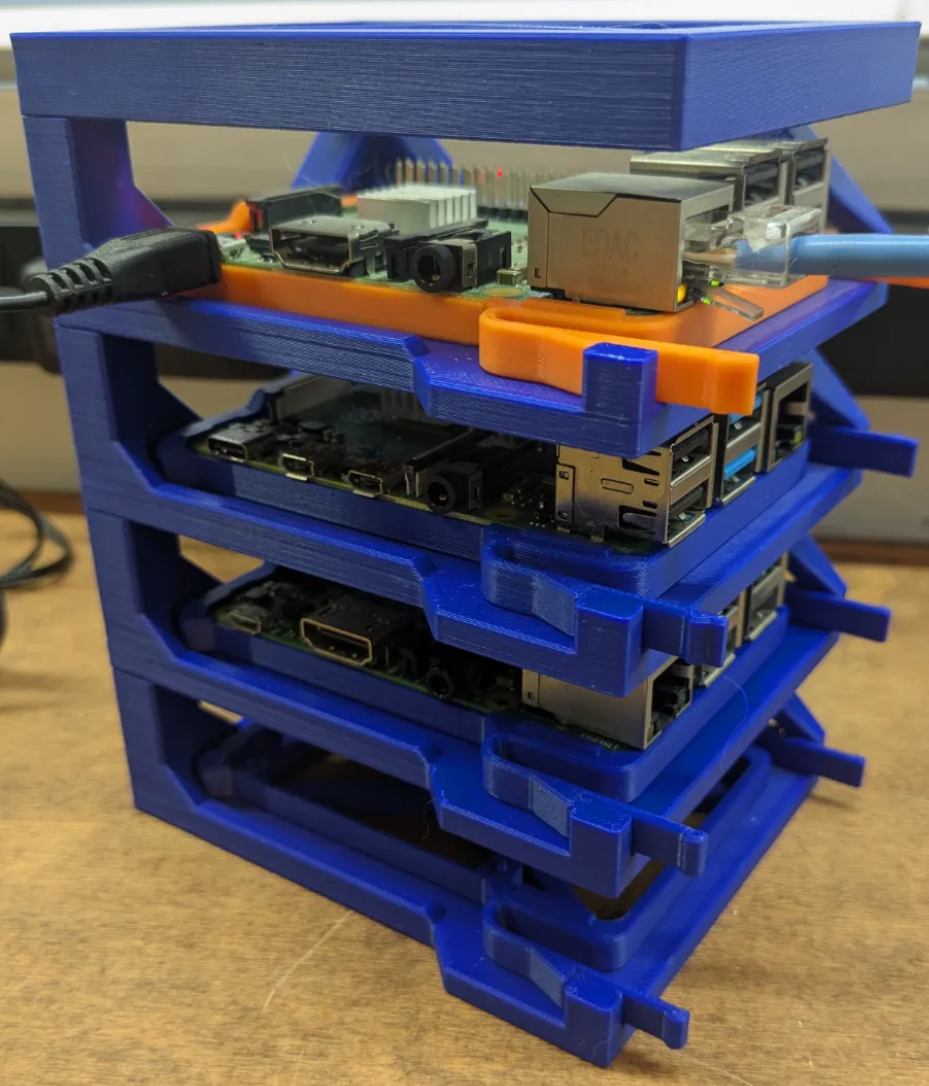
The nice thing about this design is that each Pi module connects to the other using a simple sliding, locking pin system. This means that over time you can add more and more modules to the rack as your RaspberryPi collection grows. The other nice thing is that each Pi SBC is held on its own removable sled making it possible to remove each Pi with ease and without disturbing any of the others.
I downloaded the design into BambuStudio and went through all the component parts. I was really pleased to see that there were two sizes of module available, a single board Pi only module and a tall module for housing a RaspberryPi with a HAT installed.
Since the 4 x Pi5’s that I am using have either an NVME + 2nd Gigabit Ethernet HAT or a NVME SSD Baseboard installed I will need the taller module for each unit.
To make it easy to identify each SBC in the rack I printed each module in the same colour as the hostname of the Pi, bluepi, redpi, greenpi, orangepi and a spare slot for purplepi when I get it.
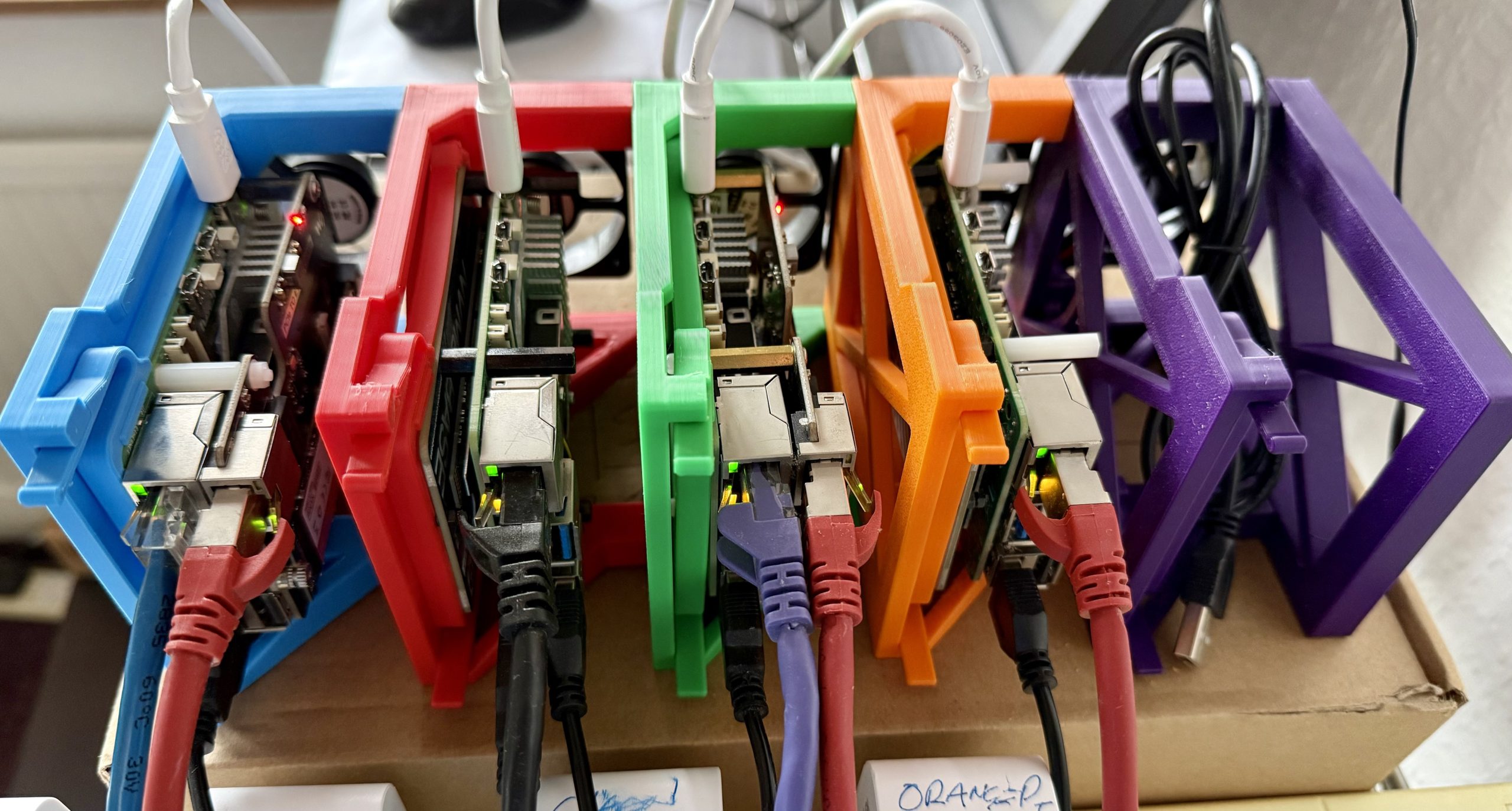
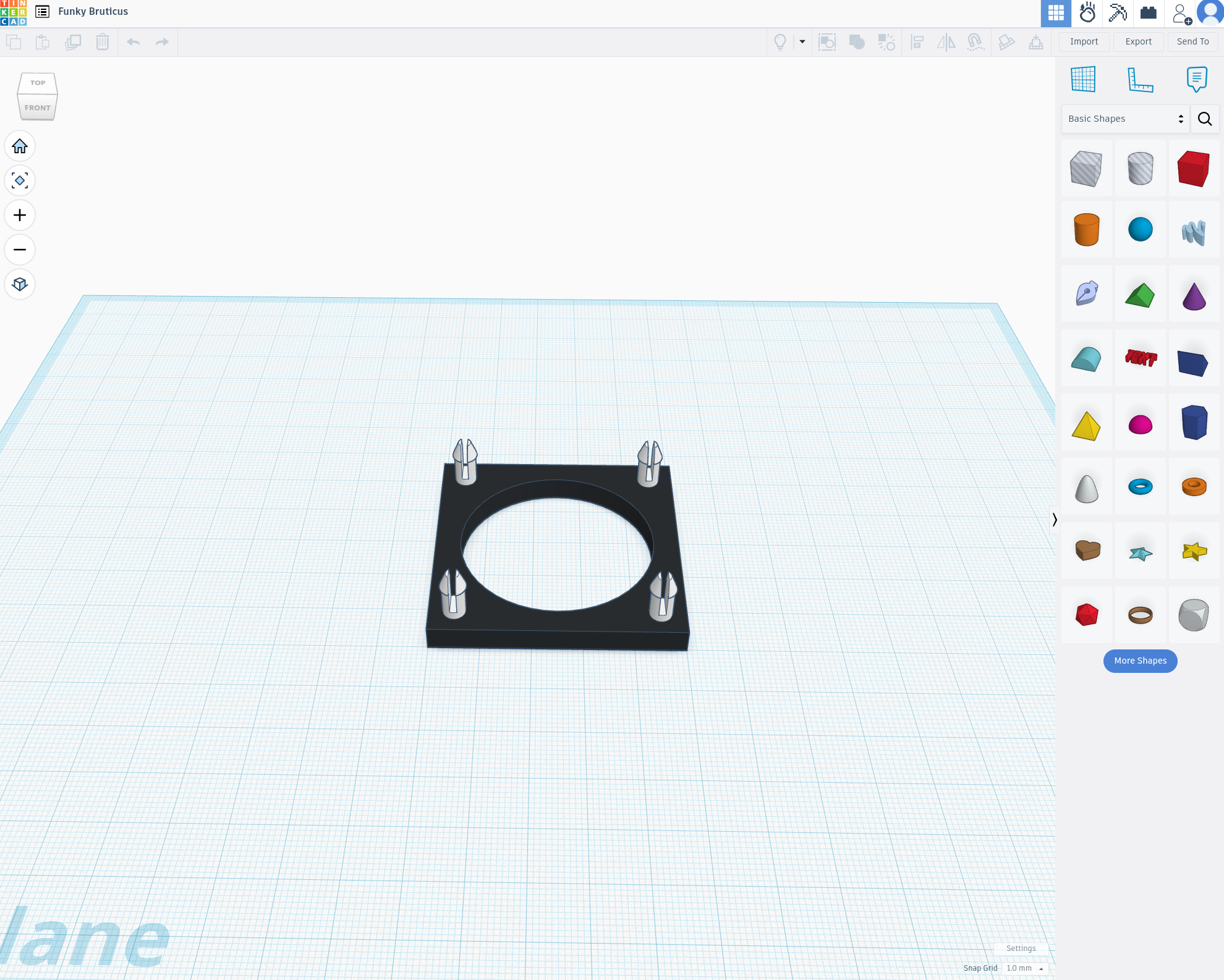
These 4 little Pi’s work hard and CPU temperatures can exceed 50 degrees Celsius very easily. They all have the Official Pi Cooler with fan installed however, this doesn’t come on until the CPU reaches 50c and so I decided to added some extra cooling in the form of a small USB fan onto the back of each module. This reduces the operating temperature of each Pi down to around 25c under full load.
The purple slot on the end is a spare ready to house another Pi SBC. I’d love another Pi5 16GB model but, at the current ridiculous prices it makes no sense to invest in another and so I will fit my spare Pi4 into the slot for now and find something for it to do.
This has been a fun little project to print and put together and will provide the perfect solution to my Pi management woes.
More soon …