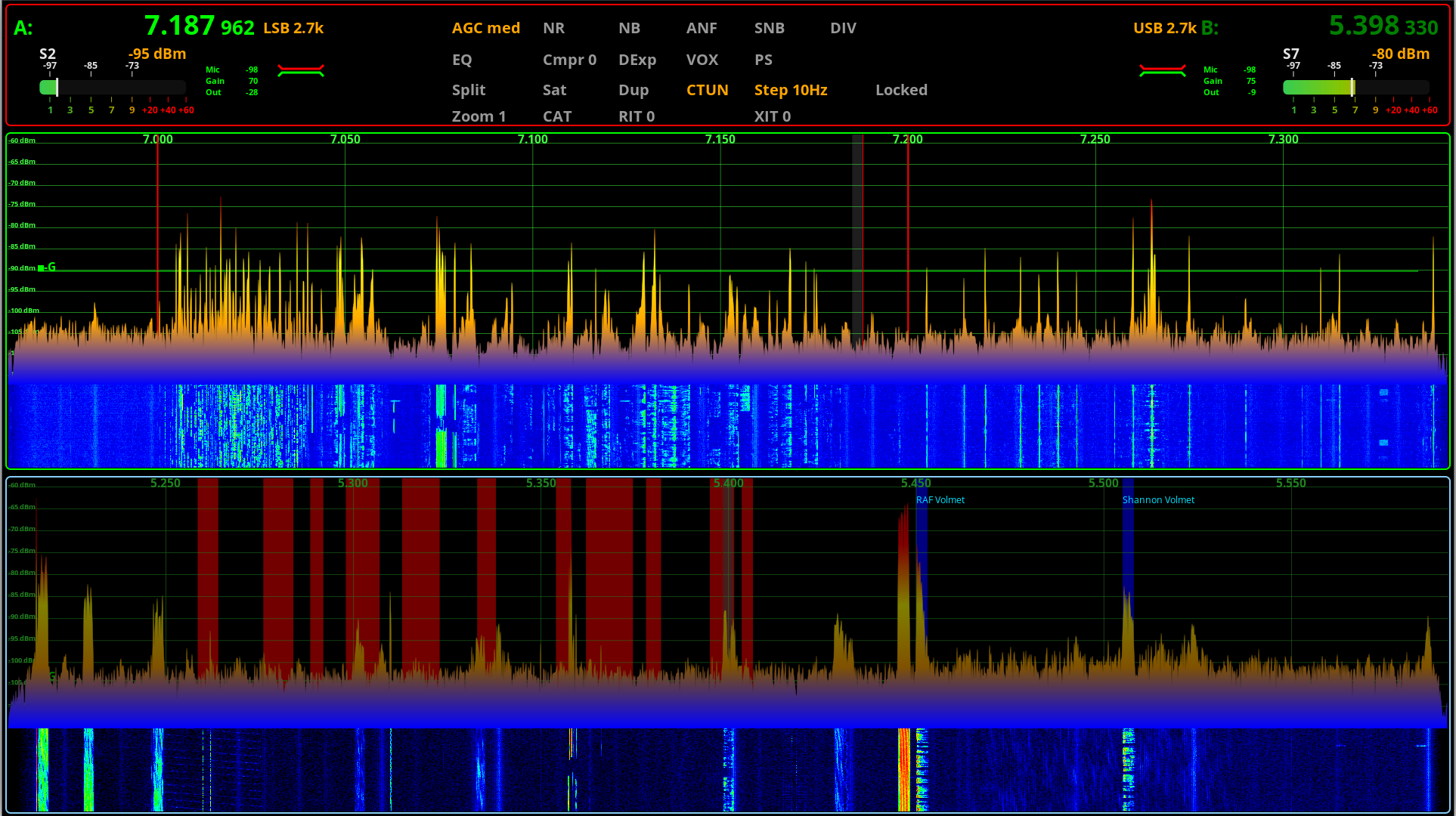
Steve (M0XVT), Alan (G1SQB) and Mike (M0AWS) are pleased to announce the release of piSync v1.1.

piSync keeps a KiwiSDR or PA3FWM WebSDR receiver tuned to the frequency, mode and band of your piHPSDR powered SDR transceiver or any radio supported by FLRig, the same as winSync does on Windows.
Version 1.1 is now released and brings a couple of important updates since v0.9.
piSync v1.1 has now gained a way to steer your radio from the WebSDR receiver, a friendlier drop down receiver list, and a detailed user manual.
Two Way Sync
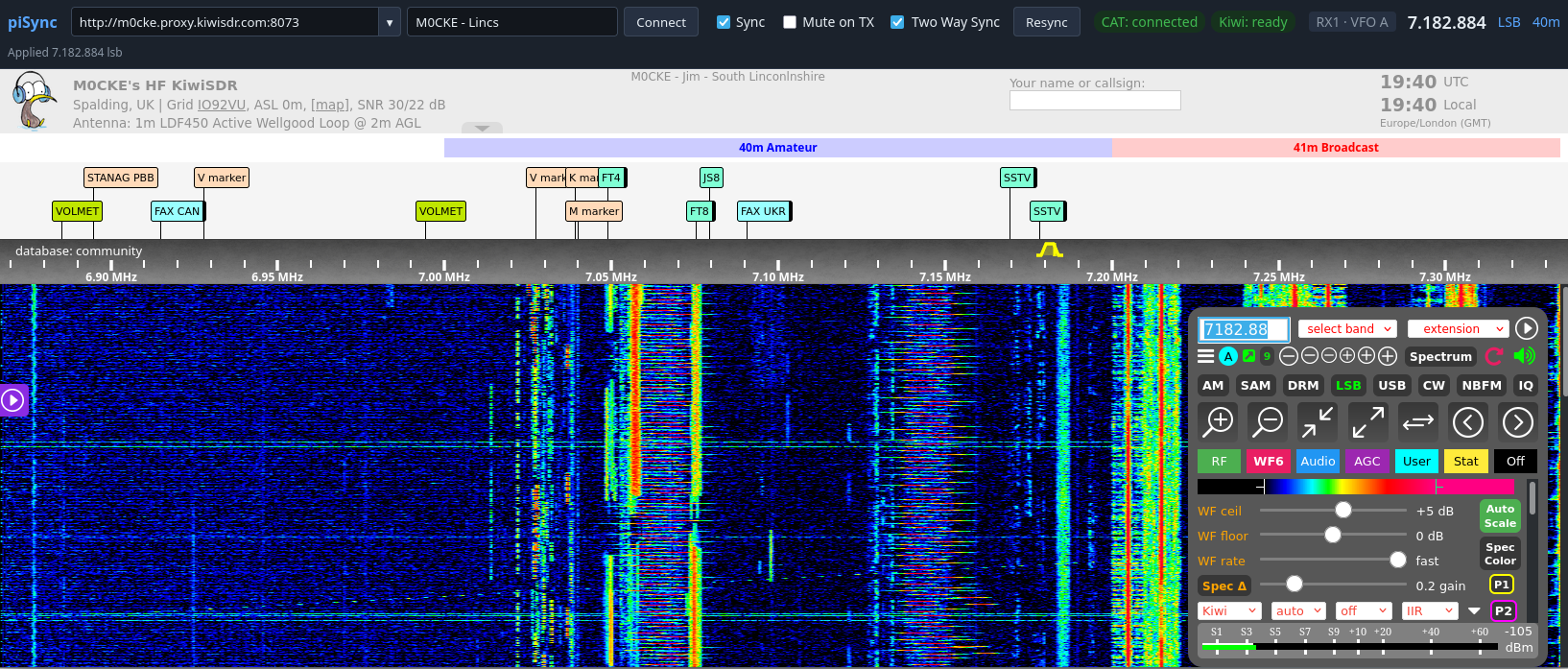
Until now piSync only worked in one direction: radio to WebSDR receiver. v1.1 adds an optional Two Way Sync checkbox on the control page. When it is ticked, a frequency or mode change you make in the KiwiSDR or WebSDR page is sent back to the radio: to piHPSDR over CAT, or to FLRig over XML-RPC. This makes it easy to click on a signal in the WebSDR waterfall and have your radio follow.
The feature is deliberately cautious:
- It is off by default.
- Changes are debounced and the last change wins, so dragging across the band does not flood the radio.
- piSync recognises the echo of its own changes and does not re-apply them, so the two sides cannot fight each other.
- Nothing is sent while the radio is transmitting.
- piSync may only write frequency and mode. Commands that key the transmitter or switch receivers (TX, RX, ZZTX, FR, FT, and PTT in FLRig) remain forbidden and are blocked.
Named WebSDRs
The WebSDR receiver drop-down used to show only URLs. v1.1 adds a “Description” box next to the URL field (See screenshot above). The drop-down now shows your own name for each WebSDR receiver with the URL underneath. A pencil button lets you edit the name later. Names are stored with the list in ~/.config/piSync/urls.json; lists saved by older versions of piSync still load as before.
A Detailed User Manual
There is now a User Manual in the docs folder. It covers installation (graphical installer and terminal based setup.sh), the launcher, the control page, using KiwiSDR and WebSDR receivers, Two Way Sync, a configuration reference and troubleshooting. We believe a picture is worth a million words and so we’ve included screenshots in the manual to help remove any confusion as to how piSync works.
Summary
piSync v1.1 brings Two Way Sync, WebSDR Receiver Names and a new, Detailed User Manual which round off nicely our latest release of this extremely popular little app that adds some great functionality to piHPSDR-Improved and FLRig for amateur radio operators around the world.
More soon …